What is the CAS Modbus Scanner?
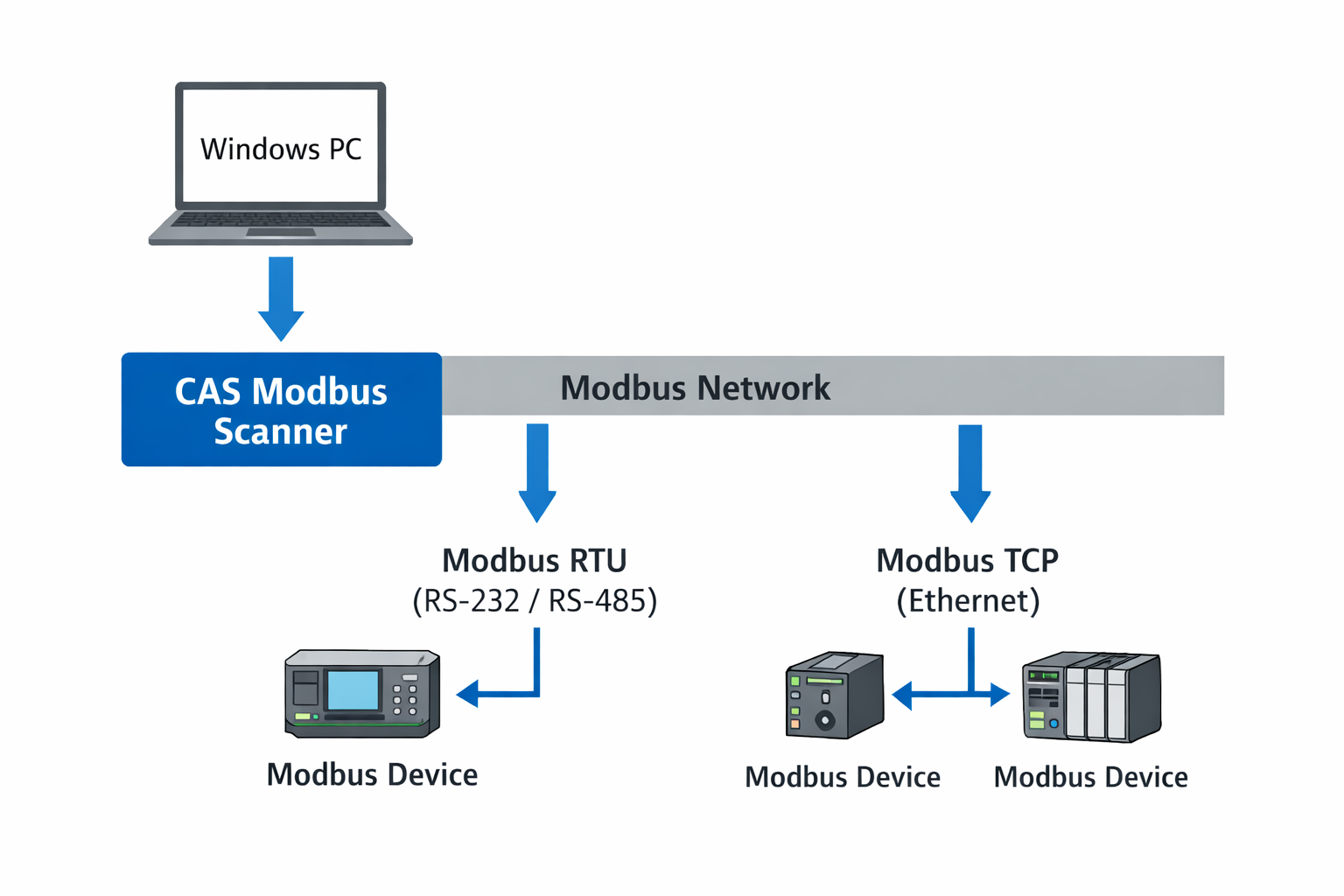
The CAS Modbus Scanner is a diagnostic and discovery utility used to communicate with Modbus-enabled devices. It allows technicians and engineers to read coils, discrete inputs, input registers, and holding registers from Modbus RTU and Modbus TCP devices.
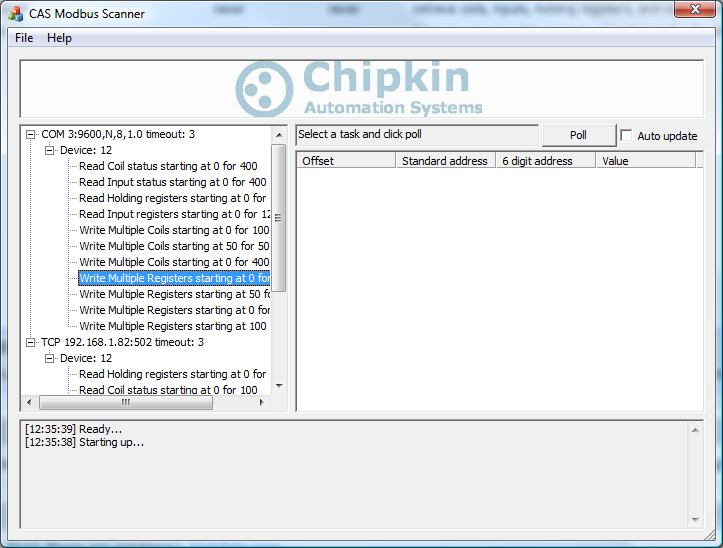
Retrieved values can be displayed in multiple formats including Binary, HEX, Uint16, Int16, Uint32, Int32, and Float32. This makes the tool ideal for commissioning, troubleshooting, and validating Modbus register mappings.
When the Modbus slave address or communication parameters are unknown, the scanner can automatically discover devices by testing address ranges, function codes, offsets, and register lengths, reporting valid responses and exceptions.
Key Features
- Read coils (0xxxx), discrete inputs (1xxxx), input registers (3xxxx), and holding registers (4xxxx)
- Supports Modbus RTU and Modbus TCP
- Works over RS232, RS485, and Ethernet
- Automatic discovery of devices with unknown slave addresses
- Multiple simultaneous connections
- Tested with hundreds of third-party Modbus devices
- View data in Binary, HEX, Uint16, Int16, Uint32, Int32, and Float32 formats
- Simple, technician-friendly user interface
- 100% free to use, no registration required
Downloads
Please review the License Agreement before downloading the utility.
.png)

Manuals and Technical Resources
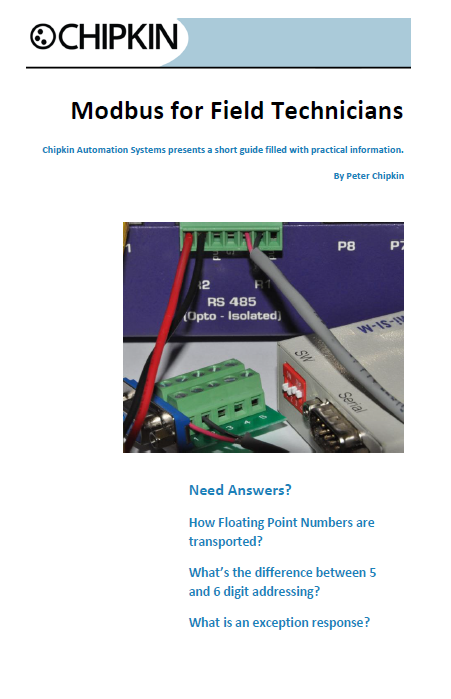
Modbus for Field Technicians (Free eBook)
This free eBook guides technicians through fundamental and advanced Modbus concepts commonly encountered in real-world field applications.
Frequently Asked Questions – CAS Modbus Scanner
The following questions address common use cases and technical considerations when using the CAS Modbus Scanner for Modbus RTU and Modbus TCP troubleshooting and validation.
What is the CAS Modbus Scanner used for?
It is used to test communication with Modbus devices by reading coils, discrete inputs, input registers, and holding registers to verify wiring, addressing, and register mapping.
Does it support Modbus RTU and Modbus TCP?
Yes. The scanner supports Modbus RTU over RS232 and RS485, as well as Modbus TCP over Ethernet.
Can it discover devices with unknown slave addresses?
Yes. The tool can automatically scan address ranges to identify responsive devices.
What data formats are supported?
Binary, HEX, Uint16, Int16, Uint32, Int32, and Float32.
What is required to connect to RS485?
A USB-to-RS485 adapter is typically required. See USB to RS485 converter options.
Why am I getting no response?
Common causes include incorrect serial settings, incorrect slave address, wiring or termination issues, or incorrect IP/port for Modbus TCP.
Is the CAS Modbus Scanner free?
Yes. It is free to download and use, with no registration required.
Customer Support
Chipkin provides full support for the products we sell. For technical support, sales, or customer service, call 1 (866) 383-1657.
Specifications
Supported Applications and System Requirements
The CAS Modbus Scanner is used to quickly determine the correct communication parameters for Modbus devices, including serial port settings and slave addresses. The tool automates the process by testing multiple parameter combinations and clearly reporting which settings successfully establish communication.
The scanner supports both RS232 and RS485 Modbus RTU networks and can be used to discover a single device or multiple slave devices on the same bus. When connecting to an RS485 network from a laptop or PC, a USB-to-RS485 converter is required.
- Supported operating systems: Windows 2000, XP, Vista, Windows 7, Windows 8, and Windows 10 (32-bit and 64-bit)
- Minimum of 10 MB free disk space
- Modbus RTU over RS485 requires an RS485 interface. A USB-to-RS485 converter such as the ACON U-01 can be used